Design & planning
Clear plans, visuals and documents to prepare every project with precision.

Surveys & data
The supports of a well-prepared project
Surveys & data
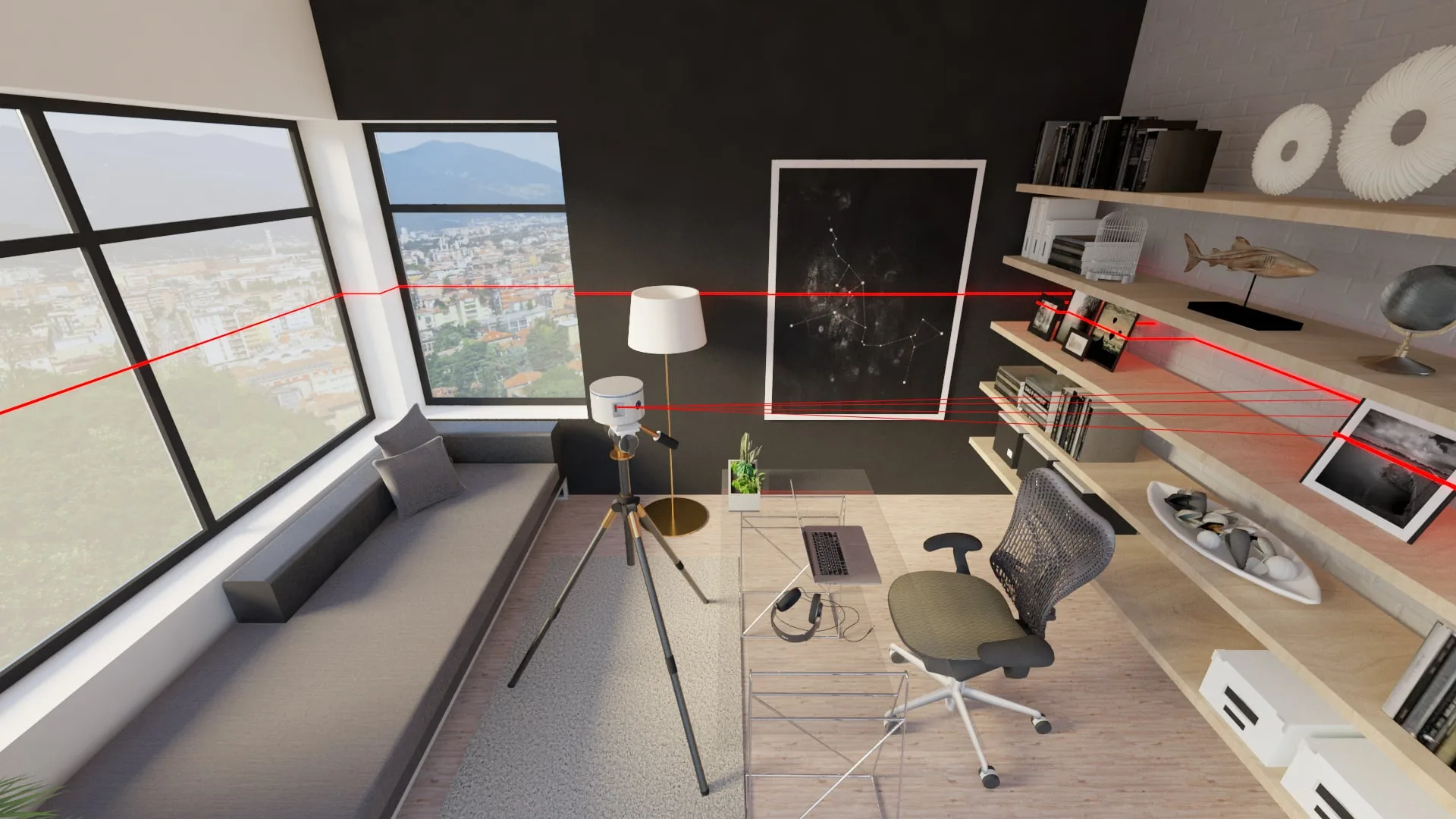
Gathering the dimensions, constraints and useful information.
View step2D plans
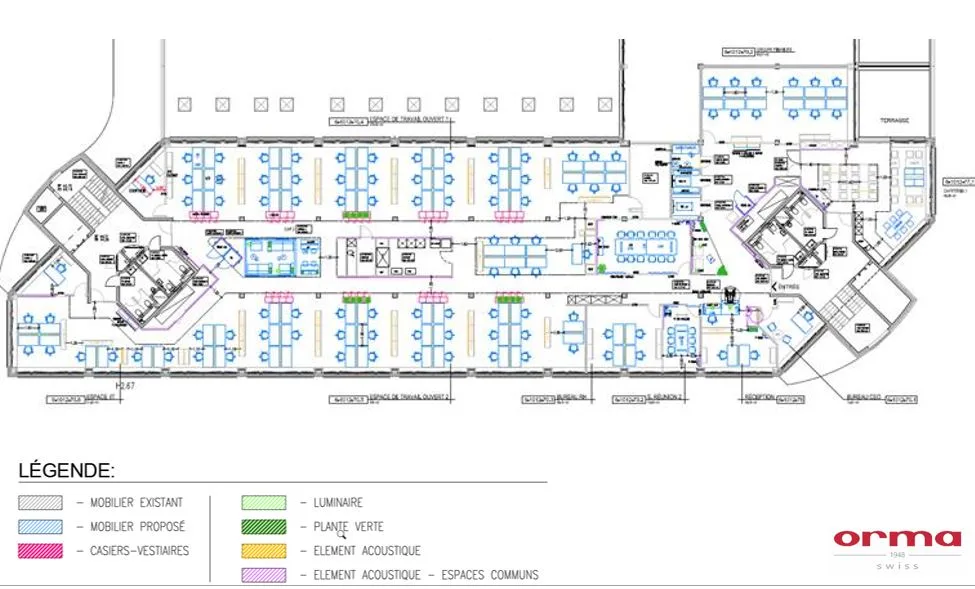
Formalising layouts, measurements and technical details.
View step3D modelling
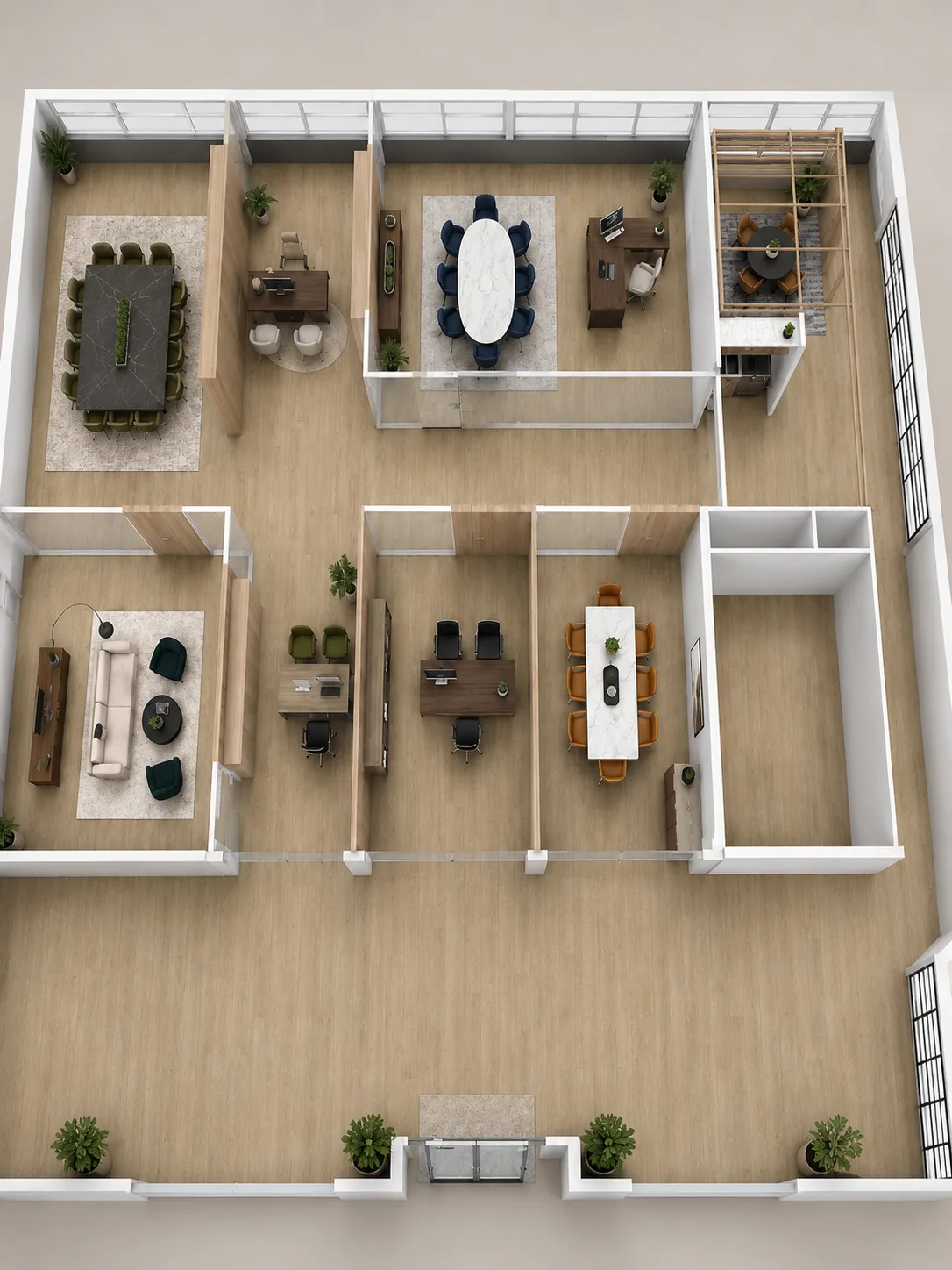
Visualising volumes, proportions and fit-out choices.
View stepProject file
Preparing readable documents to decide, validate and move forward.
View stepSetting a precise working base
Before drawing, a reliable base is needed. Dimensions, access, technical constraints, existing volumes and useful information are gathered to prepare a clear, measurable and usable project.
Data to prepare
- Space dimensions
- Existing constraints
- Access and circulation
- Available volumes
- Useful technical information
AI-generatedA good plan begins with reliable data.
Clear documents for execution without guesswork.
Producing clear and usable plans
2D plans translate the project into precise, readable documents that are easy to share.
Documents produced
- Layout plans
- Dimensioned plans
- Furniture plans
- Technical details
- Documents adapted to the project
Visualising volumes in 3D
3D makes it easier to understand volumes, proportions and the overall organisation of a space. It helps you project yourself, compare options and adjust certain choices before going further.
Visual supports
- 3D models
- Interior views
- Project perspectives
- Furniture layout
- Visualisation of volumes
Seeing the project makes decisions simpler.
AI-generatedAnticipate every detail to eliminate every risk.
Preparing a file ready for validation
Once the plans and visuals are prepared, the important elements are checked: dimensions, layout coherence, access, constraints and useful details. The file becomes a clear support for validating choices, discussing with the parties involved and preparing the next stage of the project.
File reference points
- Main dimensions
- Furniture layouts
- Access and passages
- Technical constraints
- Overall coherence of the file
FAQ – Planning & CAD